
Dropshipping Tycoon Official Game and Group
Favorite the place, join group 34952375, and treat the shout as the codes channel.
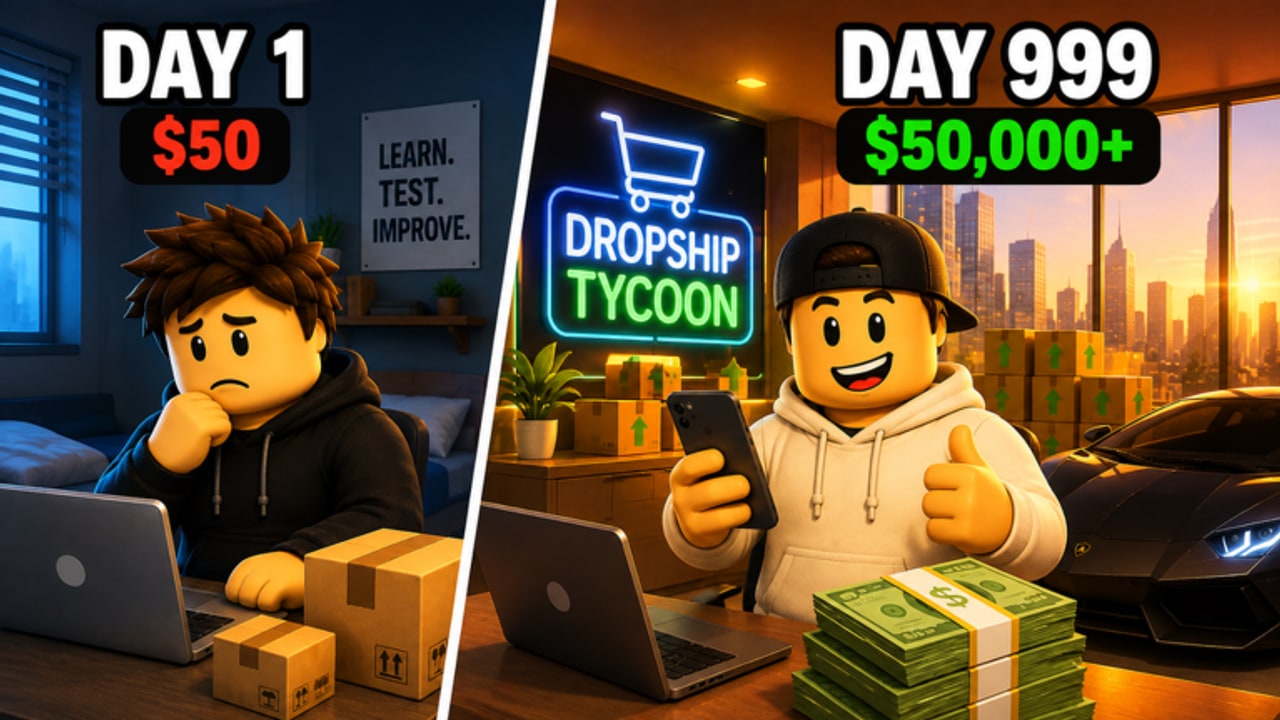
Dropshipping Tycoon is a live Roblox tycoon from DragonT Gaming (creator DragonTStudios). The only official pages this wiki recognizes are the experience itself and the group that owns it. This article is the how-to: favorite and like the place, join community 34952375, and watch the group shout for the first public code — if one ever ships. The parent Links Hub keeps the rest of the wiki map.
There is still no official Discord invite and no Trello. The shout was empty when we last checked. Empty is the correct state, and it is why the Codes Hub lists zero strings as of September 2026.
Favorite and like the live place
Open Dropshipping Tycoon on Roblox.
Confirm you are on the right experience before you click anything:
- Place ID 139186643787547
- Universe ID 10666108087
- Creator / group: DragonT Gaming, not a copy with a similar thumbnail
- Genre: Simulation / Tycoon, free to play, maturity Minimal
- Server size: 8. Voice chat is not supported.
Then:
- Favorite (the bookmark). Favorites are how you find a small tycoon again after Roblox’s algorithm buries it. The place had about 3,043 favorites when last checked — still easy to lose in search.
- Like if you are actually playing it. Likes do not give in-game Cash. They help the listing. They are not a code.
- Use Play from this page, not from a random ad. Clone places steal thumbnails.
- On desktop, optionally pin the tab for the first week so you are not searching “dropshipping” and landing on a different game.
After you join, you get your own company on an 8-player server. That is online multiplayer with private plots, not split-screen and not a co-op campaign. Nobody else can claim your daily or your future codes.
Join DragonT Gaming group 34952375
Open the community page: DragonT Gaming (34952375).
- Confirm the ID in the URL is 34952375. Fake groups copy the name and sit one digit off.
- Join. Membership was around 1,437 when last counted. You do not need a large group for shouts to work.
- Enable group shout notifications in Roblox settings if you want a ping. If the shout stays empty, you will not be spammed — you will just be ready.
- Do not pay for a rank. Any group that sells “VIP for codes” is not this one.
The group is also the social graph for this tycoon. Player-facing notes live on the players group page. Leaderboard flexing is unrelated — see the leaderboard page — and never requires a second group.
Why the group shout matters for codes
Roblox tycoons still use the shout as a billboard. When a code exists, it usually appears there first or at the same time as an in-game popup. That is why this wiki tells you to:
- Join the group before you need a code.
- Read the shout when the Updates Hub mentions a campaign.
- Redeem only with the HUD / Settings walkthrough.
- Ignore strings that never appear on the shout, the place description, or this wiki.
Until the shout has text, assume there is nothing to redeem. Do not fill the gap with comment-section codes. Do not join a Discord that claims it is “the official Dropshipping Tycoon server.” We looked; no invite is published.
If a shout ever disagrees with this wiki, believe the shout and message us by playing the live place — the shout is primary, the wiki is a mirror with a delay.
How to spot a fake official link
- Wrong place ID or a name like “Dropshipping Tycoon X” with a different creator.
- A group that is not 34952375.
- Discord, Trello, or “free gems” domains linked from ads, not from the Roblox description.
- QR codes in-experience that leave Roblox. The real loop (products, ads, warehouse, factory) never needs a QR login.
- Executors or loadstrings branded as official tools. DragonT Gaming did not ship those. The Scripts Hub is empty and the safety page explains why you should keep it that way.
After you are joined and favorited
Play the loop. Start with getting started, claim daily rewards, and plan the 5-minute Cash Boost. Come back to this page only when you need to re-check the group ID, the place ID, or whether a Discord magically became official (it has not).
Favorite the real place, join group 34952375, and treat that shout as the only codes channel DragonT Gaming has actually given you. Everything else — Discords without an invite on the wall, Trello boards with no link from the group, gem sites, and “official” executors — is someone else’s funnel. Keep the Roblox IDs handy, keep the Links Hub for the wiki map, and let the empty shout keep you honest until a real string exists.
Frequently Asked Questions
Quick answers to the most common questions.
What is the official group ID?
DragonT Gaming is community [34952375](https://www.roblox.com/communities/34952375). If the URL shows a different number, you are on a clone.
Why should I favorite the game?
It is a small live tycoon. Favoriting keeps [the Roblox place](https://www.roblox.com/games/139186643787547/Dropshipping-Tycoon) in your list after search buries it. Favorites are not an in-game currency.
Will joining the group give me a code?
Not automatically. Joining lets you see shouts. The Codes Hub still has zero confirmed public codes, and the shout was empty when last checked.
Is Discord official yet?
No invite is published. If that changes, it should appear on this page and on the Links Hub after it is posted on the group wall.
Does liking the game unlock Gems?
No. Likes are a Roblox listing signal. Gems come from factory contracts and scarcer in-game loops, not from the like button.
Where do I read group-related player notes?
The players group page covers community context. This article is the official-link how-to for favoriting, joining, and shout-watching.