
Dropshipping Tycoon Guides & Walkthroughs
First hour, cash loop, warehouse, factory, staff, arcade, idle pay, and controls.
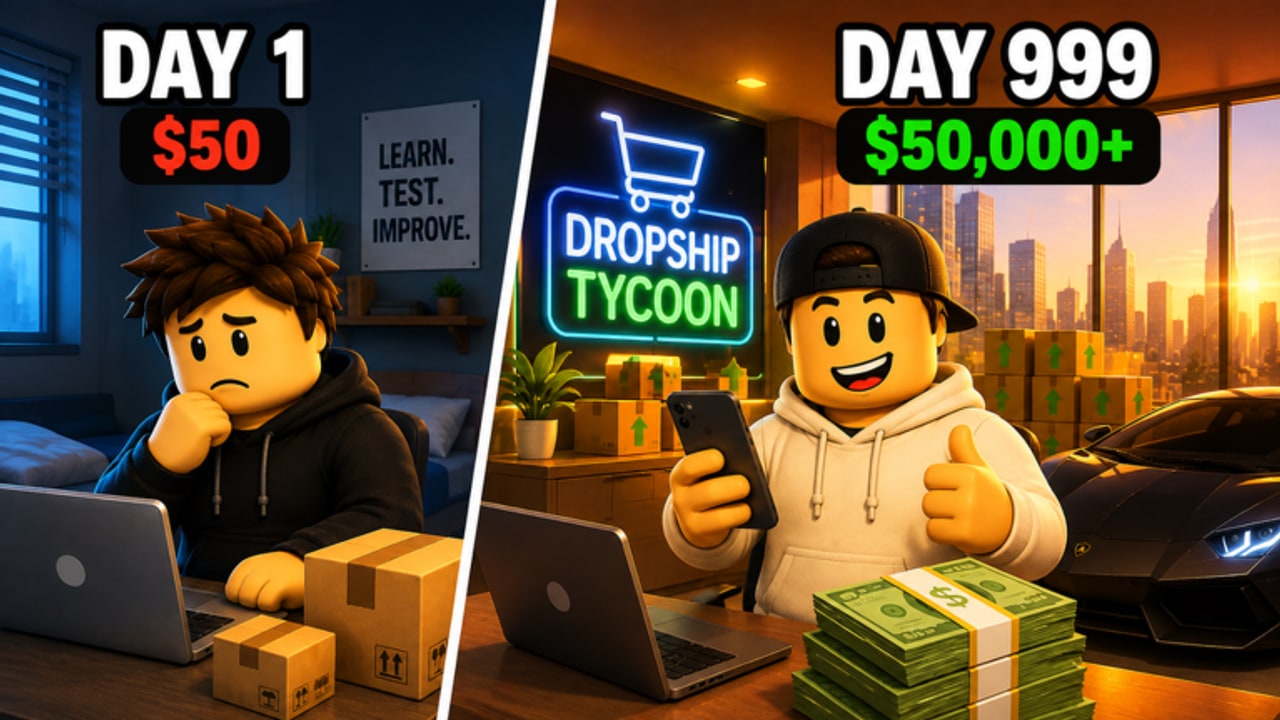
Dropshipping Tycoon is a live Roblox simulation from DragonT Gaming (DragonTStudios). You run a private company on an eight-player server: find a product that sells, order stock, create ads, process customer orders, and pour Cash back into the plot. This Guides Hub is the map for that loop. Use it when you log in so you open one focused page instead of guessing which building to buy next.
The experience is free to play. Servers hold eight owners, and each plot is still a private company. Cash funds everyday expansion. Gems are the scarcer currency that factory contracts also pay. Arcade cabinets on the plot unlock upgrades. Offline Earnings keep the books moving after you leave. A five-minute Cash Boost exists for a short, high-output window. None of those systems replace the core loop; they multiply it when stock, ads, and fulfillment already work.
First hour
New owners stall by browsing every menu before a single order ships. Do the opposite. Join the experience, claim an open plot, and follow the on-screen tutorial prompts until your first small product is stocked and advertised. The first-hour company checklist covers plot claims, HUD reading, and the first warehouse purchase. If buttons feel hidden on your device, read movement, camera, and menu controls before you spend.
Cash is the everyday currency. Gems show up more clearly once factory contracts exist. Do not wait for a promo code to start: no public codes were confirmed in September 2026, but the codes tracker and daily login gift steps are still worth a glance after you can fulfill orders. Rank early spend with the product and upgrade rankings instead of copying a random server neighbor.
Mid-game: warehouse, headquarters, staff
Once ads convert, the bottleneck moves from “do I have a product” to “can I receive, store, and ship.” Overflowing stock is not a trophy. Packed bins block incoming deliveries, delay orders, and make every new ad campaign more expensive in lost throughput. The warehouse and HQ expansion guide explains storage, extra floors, and delivery automation. Hire and upgrade specialists so ads, warehouse work, fulfillment, and later factory tasks keep moving while you plan the next floor. Role priorities live in the specialist hiring walkthrough and the employee ranking list.
Treat arcade cabinets as a side loop that unlocks upgrades, not as a replacement for restocking. Offline Earnings are why warehouse space and staff still matter during short sessions: the company should breathe while you are away, not freeze because bins are full or nobody is processing orders.
Factory scale
A huge factory with forklifts, conveyors, and B2B contracts is the late-game shift. Contracts pay Cash and Gems, which is the cleanest Gem income the official loop describes. You are ready when the storefront can absorb a spike of orders without you standing at every station. The factory contracts walkthrough marks that handoff. Until then, keep using the Cash-from-ads playbook and fire the five-minute Cash Boost only when stock, ads, and fulfillment are already aligned. The boost timing planner and the ads and boosts ranking help you spend that window instead of wasting it on an empty warehouse.
All guides on this wiki
- Start your company in the first session — plot, tutorial, first product, first ads, first warehouse buy.
- Turn the dropshipping loop into Cash — research, stock, ads, orders, reinvestment, boosts, offline pay, Gems.
- Grow storage, floors, and headquarters — capacity, delivery automation, why overstock kills ad ROI.
- Unlock forklifts, conveyors, and B2B work — when to leave a pure storefront loop.
- Hire ads, warehouse, fulfillment, and factory staff — upgrade the bottleneck specialist.
- Play on PC, mobile, or console — WASD, thumbstick, camera, UI, eight-player plot claims.\n- Use arcade cabinets without starving the dock — side-loop upgrades after ads and restocks.\n- Leave the company earning while you are away — stock, space, matching ads, then claim on rejoin.\n\nPair these with script safety notes if you ever look at automation, player and group pages, launch update notes, and official Roblox links.
How to pick a page this session
Ask one question: what stopped the last order? If you never launched a product, stay on getting started. If ads fire into an empty shelf, open the money guide. If shelves are full and trucks cannot dock, open warehouse. If you click buttons and nothing happens, open controls. If the storefront is stable and you want Gems, open factory, then employees.
This hub is a routing table, not a second tutorial. Bookmark it, then jump to the child that matches tonight’s bottleneck so Cash, Gems, and floor space move in the same direction before you even open the shop menu.
Frequently Asked Questions
Quick answers to the most common questions.
Which guide should a brand-new owner open first?
Start with the first-hour company checklist, then the Cash-from-ads playbook. Controls only if you cannot claim a plot or find the business buttons.
When do I stop reading beginner pages and open the factory guide?
When ads, stock, and fulfillment already run without you babysitting every order. Factory contracts amplify a working storefront; they do not replace one.
Where do arcade cabinets and Offline Earnings fit?
Arcade is a side loop after restocks; idle pay needs stock and warehouse space. Use the arcade guide and offline earnings.
Do I need working codes before these guides help?
No. No public promo codes were confirmed in September 2026. Daily rewards and the five-minute Cash Boost matter more than waiting on a shout.
Is this a co-op campaign on the eight-player server?
No. Eight players share a map, and each owner still runs a private company. Friends can visit, compare layouts, and still cannot operate your plot as a shared save.
Where should I rank products, ads, and staff?
Use the tier list hub for spend order, the employee ranking for specialists, and the ads-and-boosts ranking before you fire a Cash Boost.