
Dropshipping Tycoon First-Hour Company Checklist
Join, claim a plot, ship the starter product, then reinvest into ads and storage.
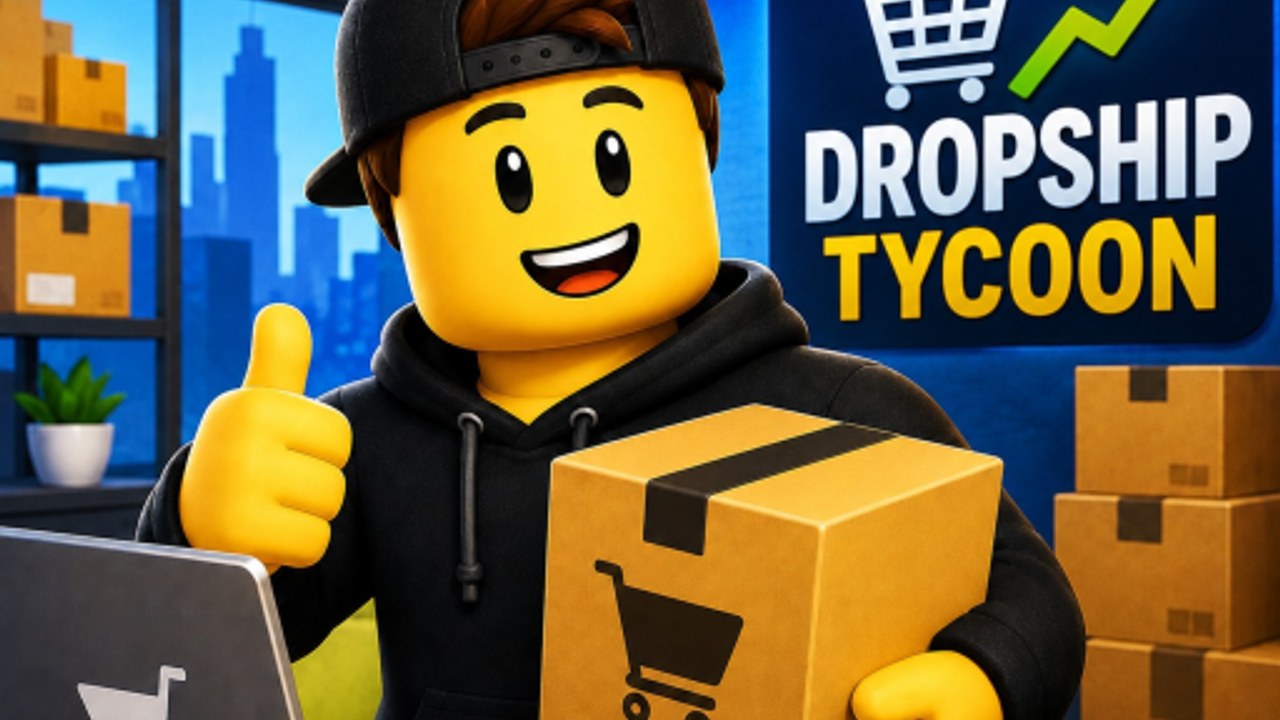
Dropshipping Tycoon is already live on Roblox. You do not wait for a launch date. Open the official experience, join an eight-player server, and take an empty company plot. Each owner runs a private company on the shared map, so a busy server is not a shared warehouse. If every plot is taken, hop to a new server rather than standing in someone else’s headquarters.
This page is the first-hour plan. It assumes you have not unlocked the factory yet. After you can fulfill orders without panic, switch to the Cash-from-ads playbook and the warehouse and HQ expansion guide. Movement, camera, and menu quirks live on PC, mobile, and console controls. Return to the Guides Hub map whenever you are unsure which of those pages matches the current bottleneck.
Join and claim the plot
- Open Dropshipping Tycoon from Roblox on PC, mobile, or console.
- Land on an eight-player server and look for an unclaimed company plot.
- Walk to the claim prompt and confirm with the on-screen button. There is no special hotkey unique to this game; if the prompt is missing, check Settings for your device’s interact label.
- Stay near your plot while the tutorial UI appears. Other players cannot run your company, but they can crowd the same street and make cameras messy.
You start with one small product. That is intentional. The official loop is find a winning product, order stock, create ads, process customer orders, and reinvest profits. A single SKU lets you learn that loop before you drown in bins.
Follow tutorial prompts, then ignore extra menus
The first session is a trail of UI prompts, not a dungeon. Complete each highlighted action in order: inspect the starter product, place a stock order, create an ad, and process the customer orders that come back. Do not open every upgrade panel while a prompt is still waiting. Unfinished tutorial steps are the most common reason new owners think the game is “stuck.”
If a prompt points at a button you cannot see, rotate the camera and look at screen corners. Cash and Gems usually sit in a persistent HUD along the top or a corner. Business actions (stock, ads, orders, hire, expand) are on-screen buttons, not keyboard macros. Chat, the Roblox menu, and a large thumbstick can hide those buttons on mobile; the controls page lists how to recover them.
First product, first ads, first warehouse buy
Treat the starter product as a training SKU, not a forever brand. Order a modest amount of stock, then create ads before the shelf is empty. Ads without stock waste the campaign. Stock without ads just fills the room. Process every customer order you can see; sitting on completed demand does not grow Cash.
Your first warehouse buy should happen as soon as bins look tight, not after you have already rejected deliveries. Extra storage, and later extra floors on the headquarters, exist so trucks can dock while ads are still running. Cosmetic desks and arcade toys can wait. Arcade cabinets do unlock upgrades, but they do not replace a receiving dock. Rank early purchases against the product and upgrade rankings if you are tempted to buy a flashy extra before space.
A practical first-hour spend order:
- Keep enough Cash to reorder the starter product.
- Fund ads so the product actually moves.
- Buy warehouse capacity when incoming stock has nowhere to sit.
- Only then look at extra floors, specialists, or arcade unlocks.
Skip promo-code hunting during this hour. No public codes were confirmed in September 2026. After you can fulfill orders, skim the codes tracker and claim daily login gifts so you are not leaving free Cash on the table. The five-minute Cash Boost is a later tool; fire it only when stock, ads, and fulfillment are already aligned.
How not to stall
Stalling in Dropshipping Tycoon is almost always a loop problem, not a missing secret NPC.
- Do not sit on a Cash pile “for later.” Reinvest into ads and space.
- Do not create ads for a product you cannot restock.
- Do not over-order until the warehouse can receive the shipment.
- Do not ignore customer orders while you wander the eight-player street.
- Do not wait for Gems to start. Cash runs the early company; Gems matter more once factory contracts exist.
- Do not AFK through Offline Earnings with a jammed warehouse. Idle pay still needs room and processing.
- Do not assume a friend can operate your plot. They can visit. They cannot be your co-CEO.
If orders stop, walk the loop in order: product still listed, stock on hand, ads running, orders processed, warehouse not overflowing. That five-point check solves more first-hour deaths than any leaderboard screenshot.
Where the HUD usually lives
Expect a persistent currency cluster (Cash, Gems) and a set of business buttons. Exact layout can shift with patches and with platform UI scale, so this wiki does not invent button coordinates. Zoom the camera out once after you claim the plot so you can see both the physical warehouse and the UI. On mobile, shrink chat. On console, note which face button Settings assigns to confirm. If the plot claim never appeared, you are probably standing on an already owned company; leave and rejoin.
When the first warehouse pad is down and ads are converting, you have graduated the tutorial even if a prompt is still blinking. The next hour is about money velocity, not more menus. Open the money guide, then expand storage before you dream about forklifts.
Graduation is the first time a delivery arrives, sits in a bin you paid for, and leaves as a fulfilled order while you are already writing the next ad. That moment, not the last tutorial banner, is when the company actually exists on the plot.
Frequently Asked Questions
Quick answers to the most common questions.
Is Dropshipping Tycoon free to play?
Yes. It is a live Roblox simulation from DragonT Gaming. You can claim a plot and run the starter product without paying Robux. Optional purchases are never required to learn the loop.
How do I claim a company on a full server?
Servers hold eight players. If every plot is taken, join a new server. Friends cannot share one company as a co-op save; each owner needs an open plot.
What should I buy after the first product?
Reorder stock, fund ads, then buy warehouse space when bins get tight. Floors, specialists, and arcade upgrades come after that loop is stable.
Where do I see Cash and Gems?
They sit in a persistent HUD, usually along the top or a corner. Business actions use on-screen buttons. Check Settings if a prompt does not match your device.
Do I need a code to finish the tutorial?
No. No public promo codes were confirmed in September 2026. Finish prompts, ship the starter product, and claim daily rewards after you can fulfill orders.
When should I leave this page for other guides?
As soon as ads convert and the first warehouse buy is down. Use the money guide for velocity, the warehouse guide for space, and the Guides Hub if you are choosing between them.