
Codes
No confirmed Dropshipping Tycoon promo codes as of September 2026. Track shouts, redeem steps, and daily rewards here.
View all CodesCodes, product tiers, and money guides for the Roblox tycoon.
Unofficial Roblox wiki for Dropshipping Tycoon: codes, product tiers, warehouse tips, factory contracts, and beginner money guides.
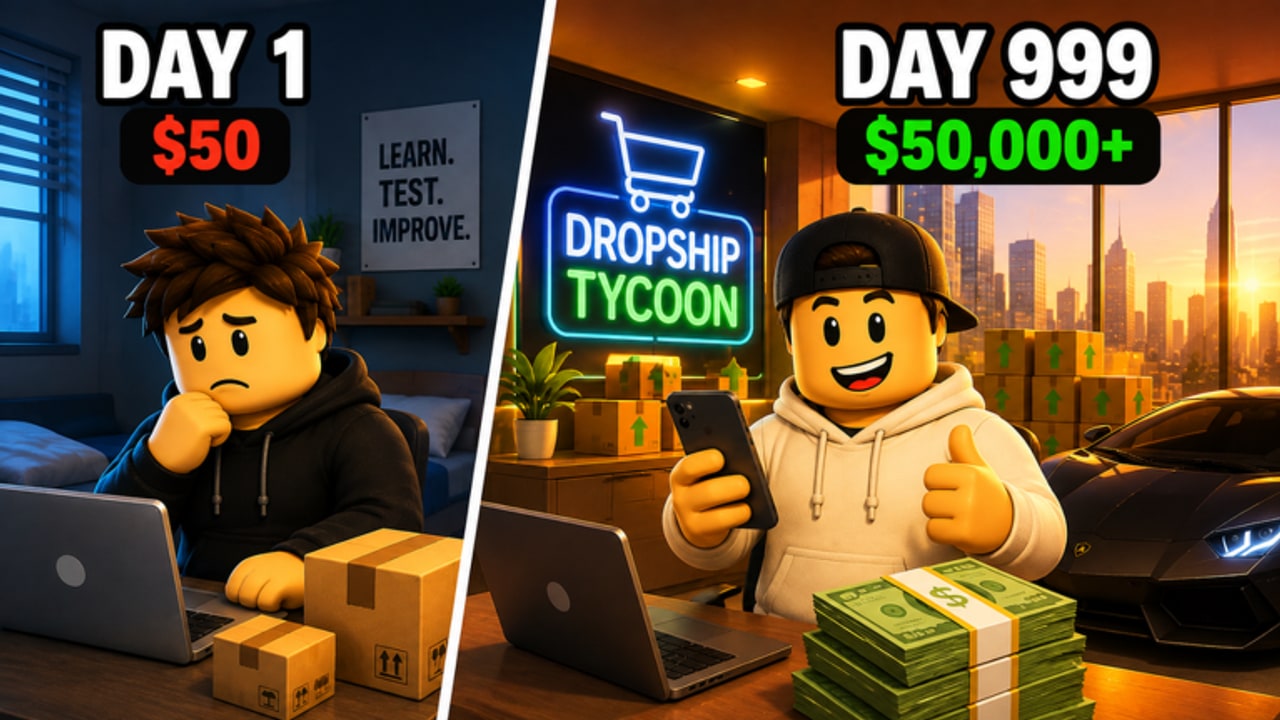
Dropshipping Tycoon is a live Roblox simulation from DragonT Gaming. You find winning products, order stock, run ads, process customer orders, and pour profit into a growing warehouse, a multi-floor headquarters, hired specialists, and a factory with forklifts, conveyors, and B2B contracts. Cash pays for expansion. Gems come from factory contracts and premium loops. Servers hold eight players, and each owner still runs a private company. Start with the beginner guide, then check working codes, the product tier list, and the factory walkthrough.
No confirmed Dropshipping Tycoon promo codes as of September 2026. Track shouts, redeem steps, and daily rewards here.
View all CodesDropshipping Tycoon guides: first hour, cash ads, warehouse HQ, factory, staff, arcade, idle pay, and controls.
View all GuidesS-D spend ranking for Dropshipping Tycoon: product-market fit, ads, warehouse, HQ, employees, factory, cosmetics.
View all Tier ListHow 8-player Dropshipping Tycoon servers work: private companies, the DragonT Gaming group, and leaderboards. No raids.
View all PlayersDropshipping Tycoon is live and was updated 4 Sep 2026. Read Roblox timestamps and watch codes, products, factory.
View all UpdatesNo listed Dropshipping Tycoon scripts yet. Review the auto-farm watchlist, executor risk, and safer factory plus offline loops.
View all ScriptsDropshipping Tycoon tools for the 5-minute Cash Boost, restock timing, ads, and factory contracts that grow Cash and Gems.
View all ToolsOfficial Dropshipping Tycoon links: the live Roblox game, DragonT Gaming group 34952375, and wiki hubs. No Discord or Trello.
View all LinksOpen Dropshipping Tycoon on Roblox, join an 8-player server, and take an open plot. Read the beginner guide before you spend the first Cash stack.
The loop starts with a product, stock, ads, and fulfilled orders. Use the money guide and the product tier list so early ads are not wasted.
Reinvest into storage, floors, and specialists instead of cosmetics. The warehouse guide and employee guide explain what to buy first.
Forklifts, conveyors, and contracts convert idle time into Cash and Gems. Follow the factory walkthrough once the storefront loop is stable.
Collect daily rewards, fire the five-minute Cash Boost during peak ads, and check codes whenever DragonT Gaming posts a shout.
Quick answers to the most common questions.
No public promo codes were confirmed in September 2026. Bookmark the codes hub and the how to redeem page so you can claim the first drop the same day it appears.
Claim a plot, finish the in-game prompts, pick one product, and reinvest into ads plus warehouse space. The getting started page is the full first-hour plan.
Cash funds everyday expansion. Gems are the scarcer premium currency tied to factory contracts and special rewards. See the cash boost planner and factory guide.
Servers hold eight players. You each run a separate company on a shared map. Group up through the DragonT Gaming community page rather than expecting a co-op campaign.
No. It is a fan resource. Confirm codes, gamepasses, and patch notes on the Roblox game page or the official links hub before you spend Robux.
Claim a plot, pick a product, and follow the money loop from ads to warehouse to factory. Start with the beginner guide, redeem anything listed on codes, and rank spend with the tier list.
Open the beginner guide